Fixed POS Stations
Create dedicated service points with touchscreen POS and supported payment readers, printers, and cash drawers.
Build a SmartTab POS hardware setup around your service points. Compare fixed POS stations, mobile handhelds, tablets, charging docks, payment readers, printers, and supported kitchen displays.
Create dedicated service points with touchscreen POS and supported payment readers, printers, and cash drawers.
Bring the workflow to the guest with mobile ordering and payment options.
Discuss kitchen displays, receipt and ticket printers, charging docks, and your venue network requirements.
Explore SmartTab’s 2026 product range. Choose dedicated stations, mobile service devices and charging options that fit the way your team works.
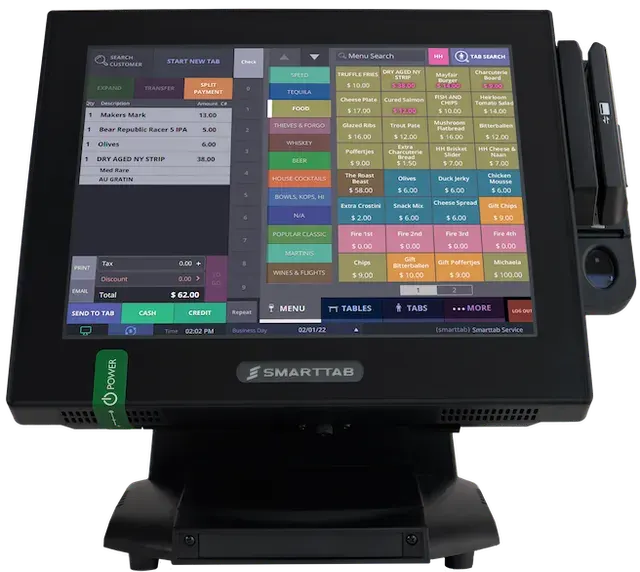
A dedicated service point for fast ordering, tab management and payments at your bar or counter.
See This POS Terminal In A Demo →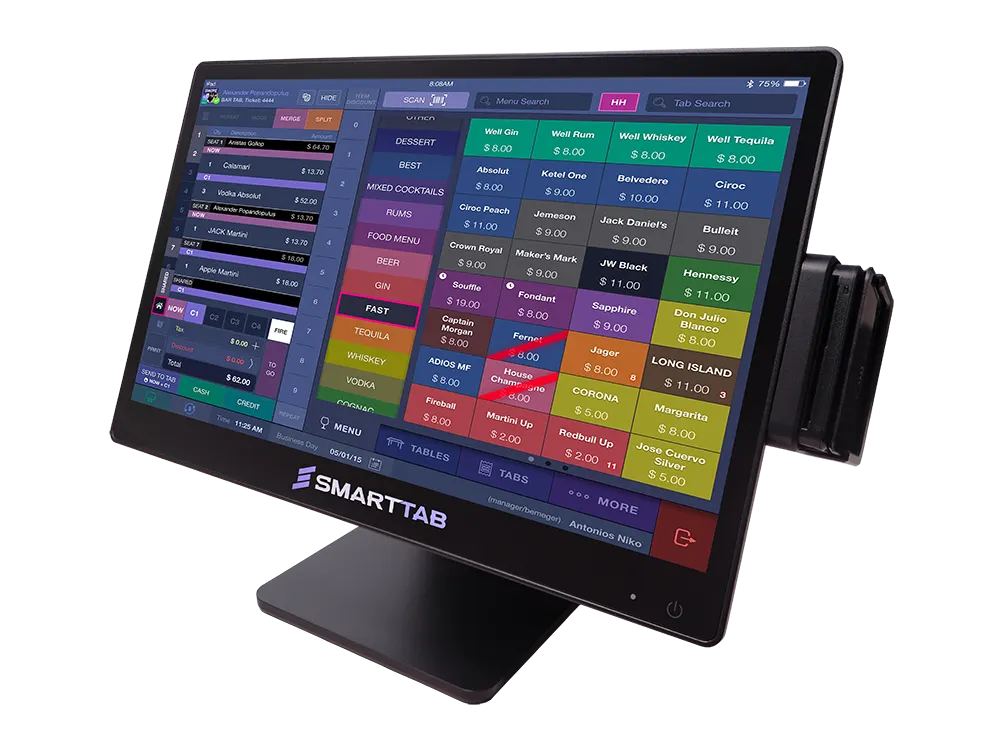
A dedicated touchscreen station for busy bars and restaurant service points.
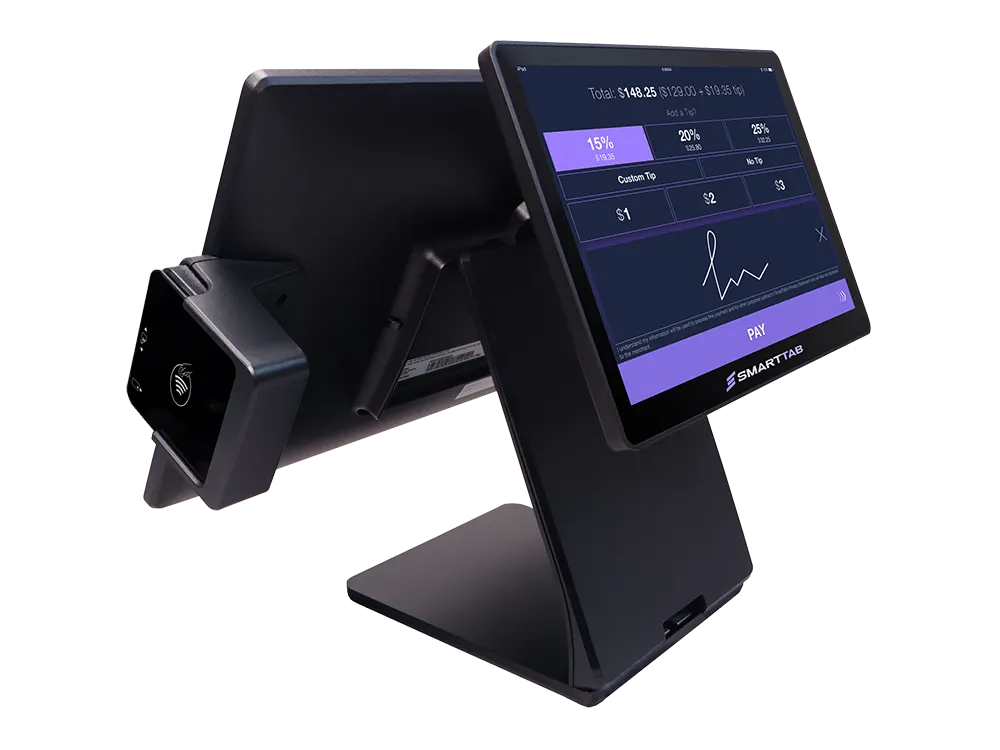
Add a second screen to a compatible POS station for the guest-facing side of checkout.
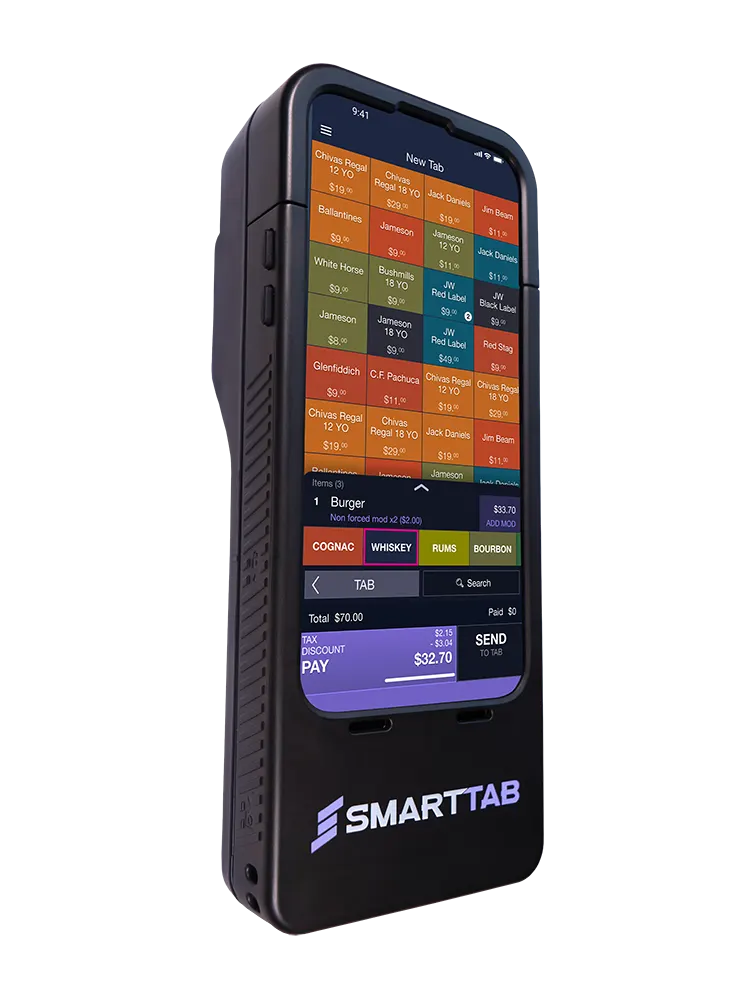
Bring ordering, payments, live ticketing and ID scanning to the floor with the supported handheld setup.
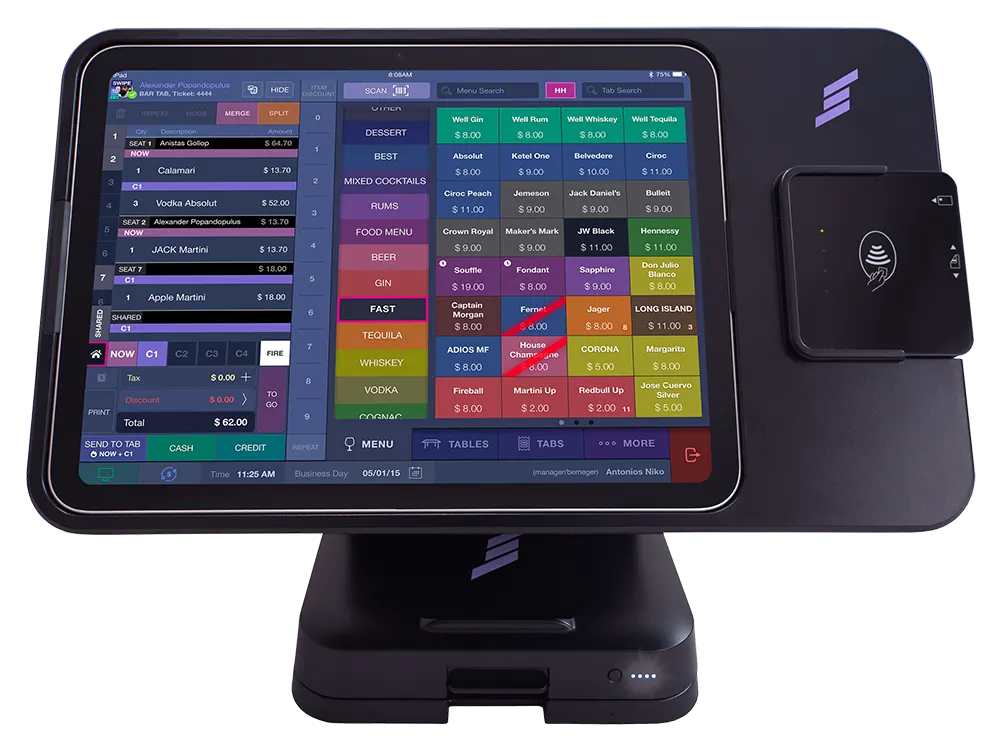
A flexible, battery-powered service point with a flippable screen, USB-C power and a hot-swappable battery.
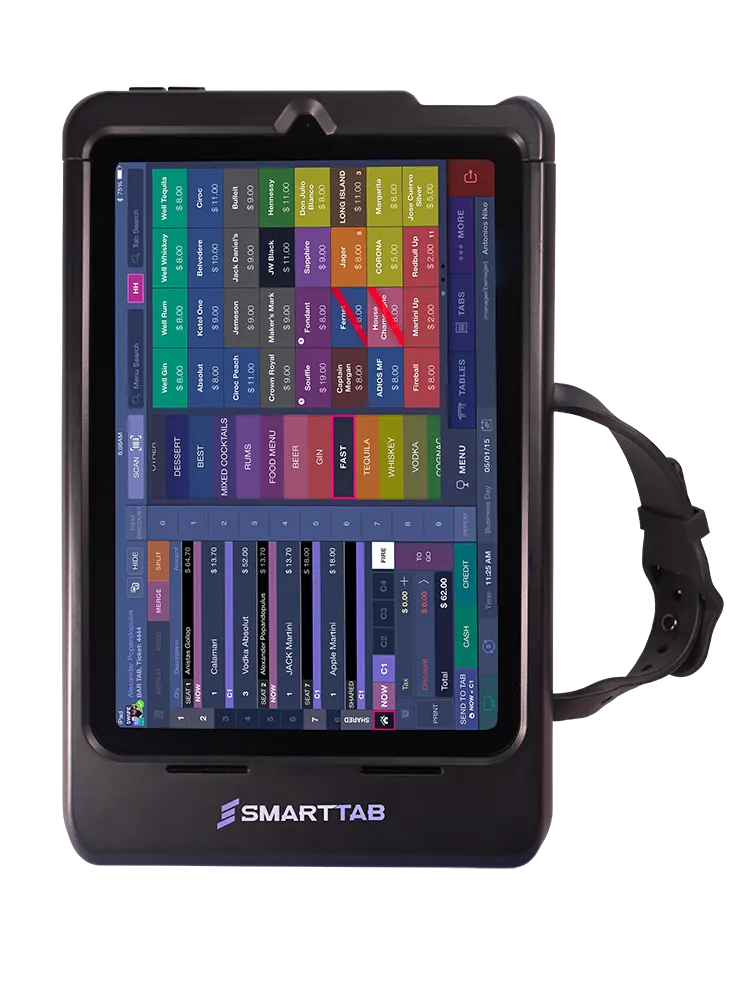
A portable tablet configuration for ordering and payment workflows away from a fixed station.
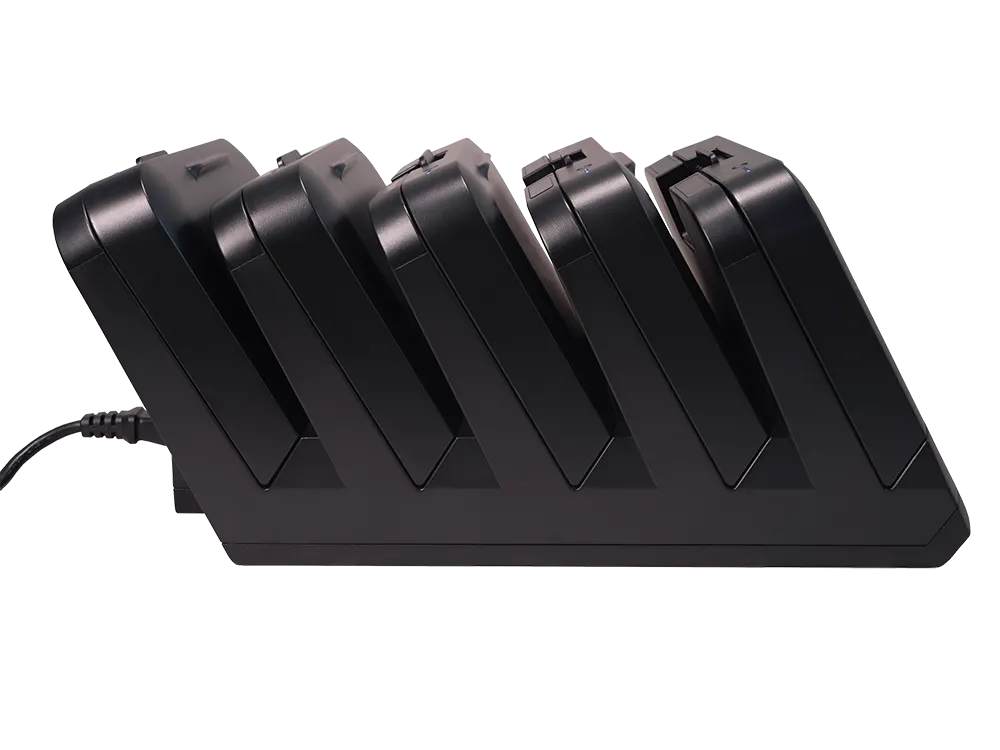
Keep spare mobile-station batteries ready for shift changes and quick swaps.
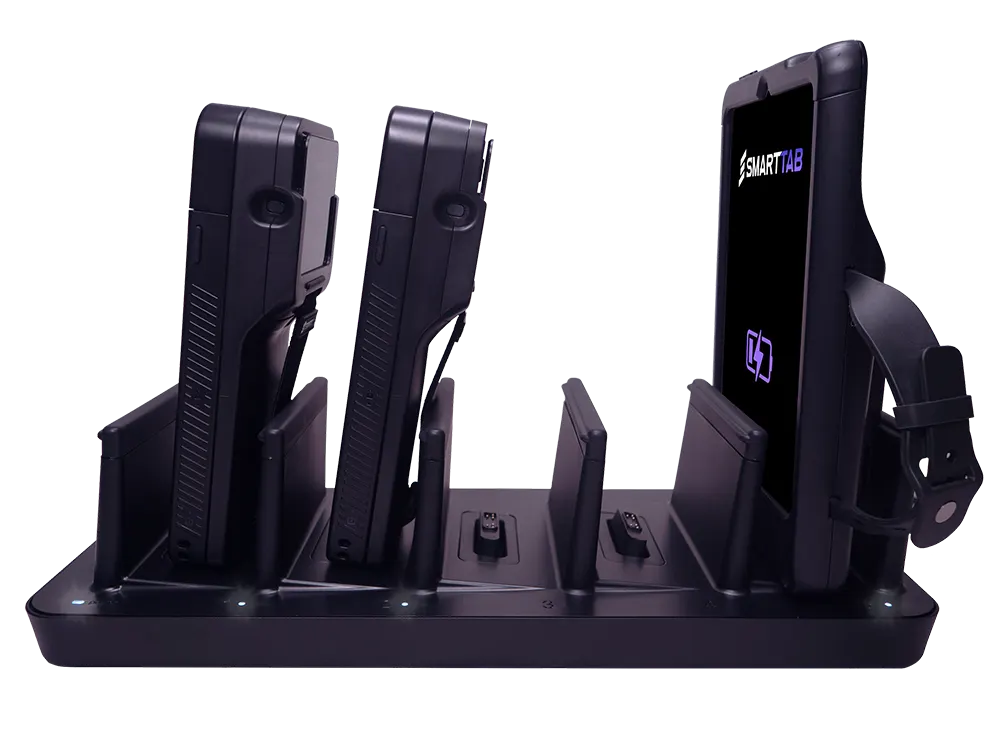
Organize charging for compatible handheld and tablet cases between shifts.
The best device mix depends on where staff work and how guests order. Begin with the tasks at each service point, then decide where a dedicated station or mobile device makes the most sense.
A fixed station gives staff a consistent place to enter orders, manage tabs, and complete supported payments. Behind a busy bar, placement affects how easily the team can move between guests, printers, and cash drawers. Review counter space, power, cable routes, and the peripherals needed at each station.
Mobile handhelds can bring ordering and payment workflows closer to the guest. Consider who carries each device, how a shift handoff works, and where devices return for charging. Device coverage is a venue-planning question as much as a hardware question, especially across patios or separate service areas.
Tablet POS and mobile-station configurations offer other ways to equip a service point. Discuss the screen size, mounting or carrying arrangement, and supported payment workflow that fits the role. We will confirm current device compatibility and available accessories during the quote process.
Peripherals complete the setup. Receipt printers support guest checkout, ticket printers communicate orders to preparation teams, and supported kitchen displays can organize kitchen work digitally. Confirm how each reader, printer, or display connects and which station or team is responsible for it.
Charging docks help organize mobile equipment between shifts, while network planning supports the devices in use. Share the floor plan, intended service areas, and likely device count. Your hardware quote should identify included equipment and distinguish any merchant-provided devices or additional services.
There is no single station count for every venue. Start with your bars, counters, dining areas, VIP spaces, and staff roles. We can review peak-service needs and recommend a configuration during a demo.
Yes. SmartTab supports fixed and mobile options. The right combination depends on your workflow, supported devices, peripherals, and network coverage.
Equipment and services depend on the quote. Confirm readers, printers, drawers, charging, kitchen displays, networking, and any merchant-provided hardware before approving a setup.
See SmartTab POS software features or book a hardware demonstration focused on your venue.
Bring your floor plan, current POS challenges, and service priorities. We'll walk through a setup that fits your venue.
BOOK A DEMO
POS THAT DOESN'T SUCK
Built for high-volume hospitality.
844-707-7772
partners@smarttab.com
© 2026 SmartTab. All rights reserved.